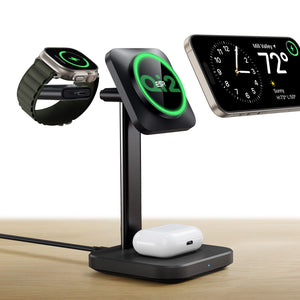
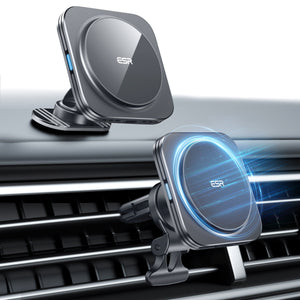
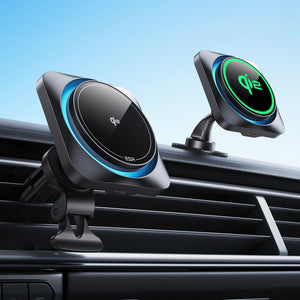
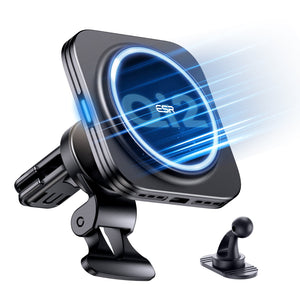
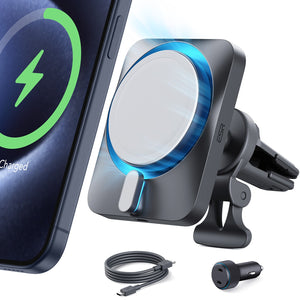
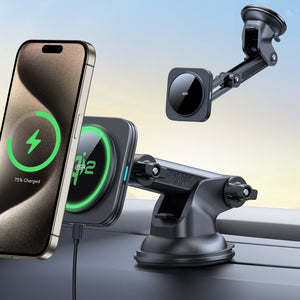
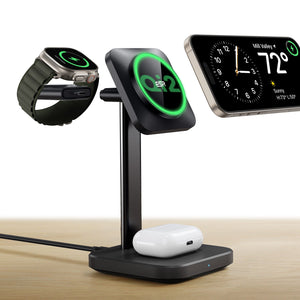
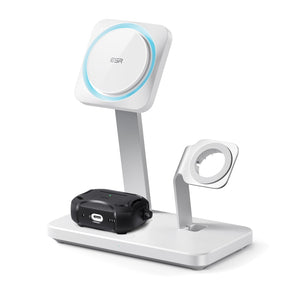
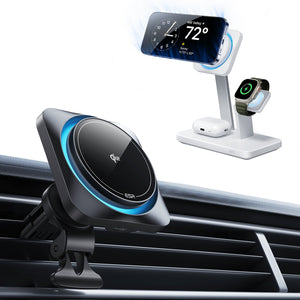
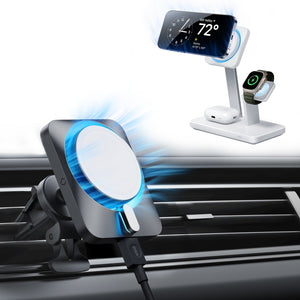
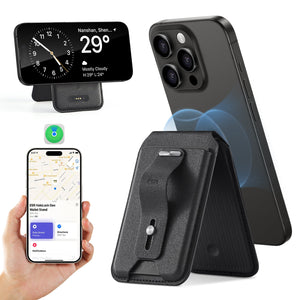
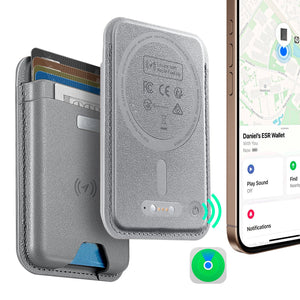
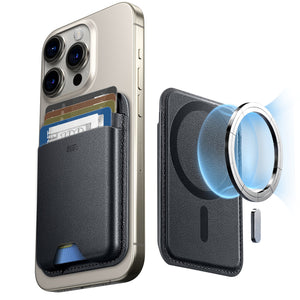
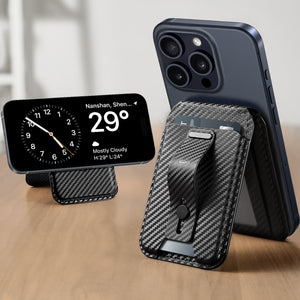
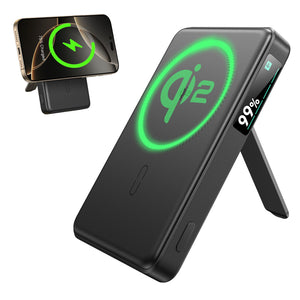
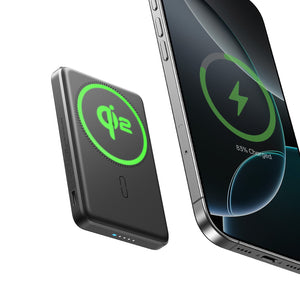
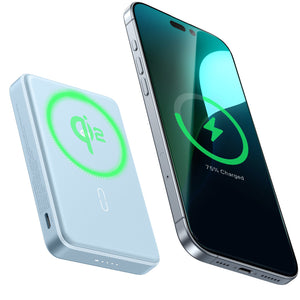
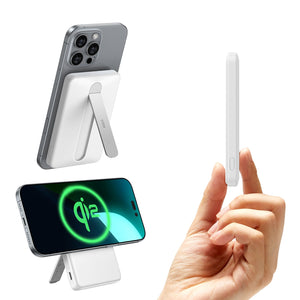



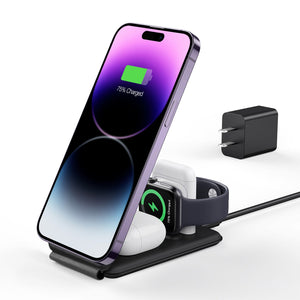


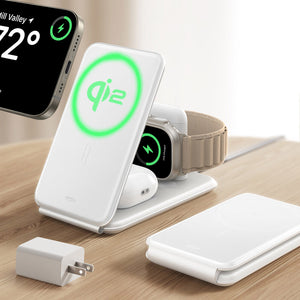
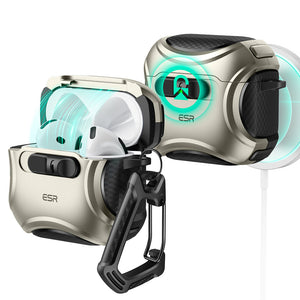
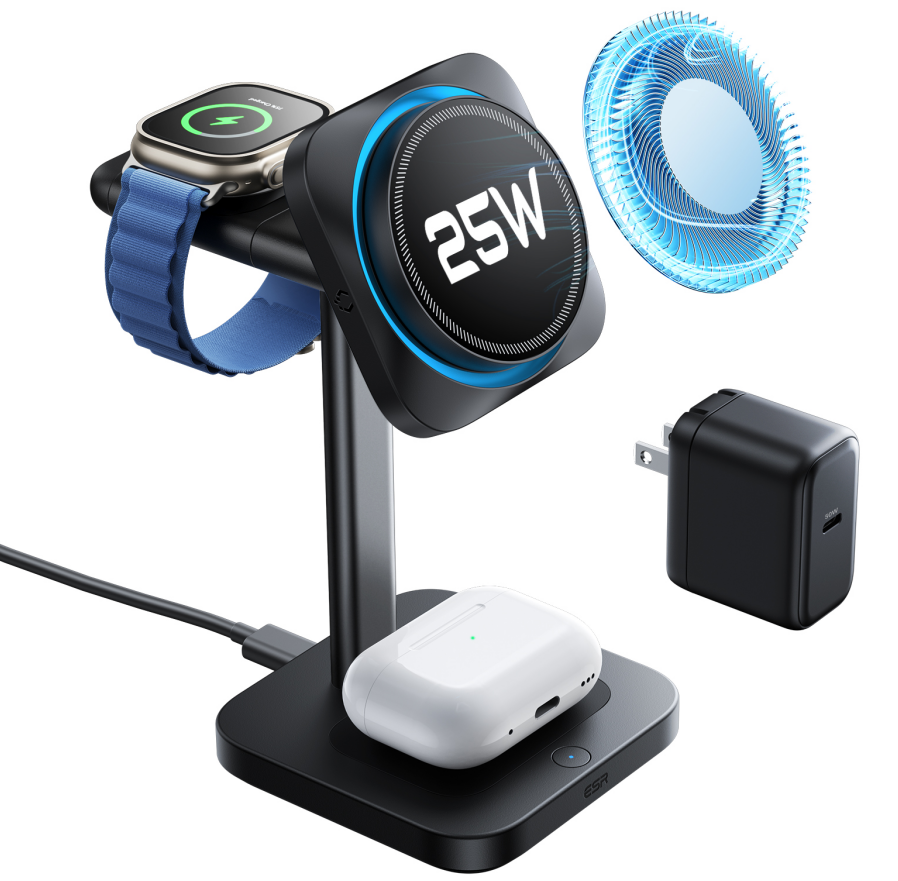
ESR CryoBoost 3-in-1 Magnetic Charging Station (25W)
Select a Model
Video is coming soon
FAQ
Need help? Our support team will reply within one business day.
Useful?
ESR CryoBoost 3-in-1 Magnetic Charging Station (25W)
Select a Model
Video is coming soon
FAQ
If your phone isn't charging wirelessly or is charging slowly on the MagSafe charger, please check the following:
● Your phone is an iPhone with MagSafe (iPhone 12 series or later).
● Use the included charging cable.
● Your power adapter or USB port outputs at least 50W.
● Your protective case is less than 2 mm thick.
● There are no metal accessories, credit cards, stands, or grips between your phone and the charger.
Additional information about wireless charging speeds:
● Wireless charging is generally slower than wired charging.
● Reducing the number of applications open on your phone can improve charging speed.
● High temperatures can slow charging speed and limit power output, especially during wireless charging.
● If your iPhone stops charging at 80%, it might be due to the "Optimized Battery Charging" feature. You can check and turn off this option by going to Settings > Battery > Battery Health, then turning off "Optimized Battery Charging." If you haven't enabled this feature, the issue may be related to an iOS upgrade. In that case, consider updating your software or waiting for the next system update.
If you're still having problems with the product, you can contact ESR for further assistance. Briefly mention the steps you’ve already tried so that we can assist you faster.
If your AirPods case isn’t charging or is charging slowly, please check the following:
● Ensure your AirPods charging case supports wireless charging. Cases with an external indicator light support wireless charging. (See Apple Support: Identify your AirPods)
● Your protective case is less than 2 mm thick.
● The charging case is placed exactly in the center of the charging pad.
Additional information about AirPods wireless charging:
● Wireless charging is generally slower than wired charging.
● The maximum charging output for AirPods is 5W.
● The indicator light on the AirPods case will turn on for about 8 seconds when charging begins, but it will not stay on during charging.
If you’re still having problems, you can contact ESR for further assistance. Briefly mention the steps you’ve already tried so that we can assist you faster.
Yes. The CryoBoost™ fan will automatically turn on while your phone is charging and turn off once your phone is fully charged or removed from the charger.
Additional information about the fan:
● This charger uses an ultra-quiet fan (<25 dB) to keep your phone cool and maintain fast charging speeds.
● In normal conditions, the fan noise is barely noticeable, but it may be heard in very quiet environments.
● You can use the CryoBoost™ on/off switch on the base of the charging station to turn both the light and fan off if needed.
If you’re still having problems with the fan, you can contact ESR for further assistance. Briefly mention the steps you’ve already tried so that we can assist you faster.
Ensure your phone and case are compatible:
- Your phone should be an iPhone 12 or later with MagSafe.
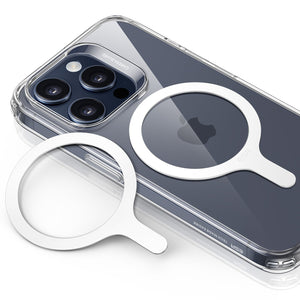
- Your case is either a MagSafe case or a case with a magnetic ring.
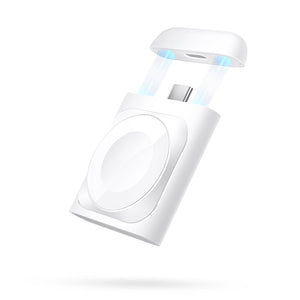
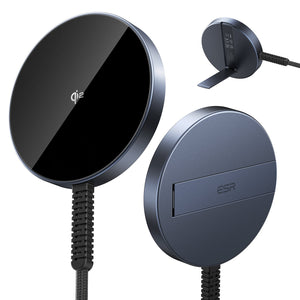
When charging, you can remove the cover and attach it to the back of the charger to prevent loss.
Additional information about protecting the connector:
● After charging, replace the cover to keep the connector safe from dust, dirt, and damage.
Yes. When your phone is placed on the charging pad, the CryoBoost™ fan and status light will automatically turn on.
Additional information about CryoBoost™ mode:
● You can use the CryoBoost™ on/off switch on the base of the charging station to turn both the light and fan off if needed.
Note: CryoBoost™ fast charging is not available when the fan and light are switched off.
A flashing amber light means the charger has entered protection mode (e.g., due to foreign object detection, overheating, over-voltage, or over-current). Please check the following:
- Unplug the charger and disconnect it from power. Wait a few seconds, then plug it back in to reset.
- Try a different power adapter and cable to check if the issue is with the power supply.
- Ensure that your AirPods case or device is correctly aligned in the center of the charging pad. Misalignment can trigger Foreign Object Detection (FOD), resulting in the flashing light.
If you’re still having problems, you can contact ESR for further assistance. Briefly mention the steps you’ve already tried so that we can assist you faster.
Need help? Our support team will reply within one business day.
Useful?


